
A storefront for the work you make
Your art.
Its own storefront.
Superposition gives artists their own public storefront to present artwork to buyers. Add a piece, shape its listing, set prices in USD for supported print options, and publish when you are ready.
You control the artwork listing and when it appears in your storefront.
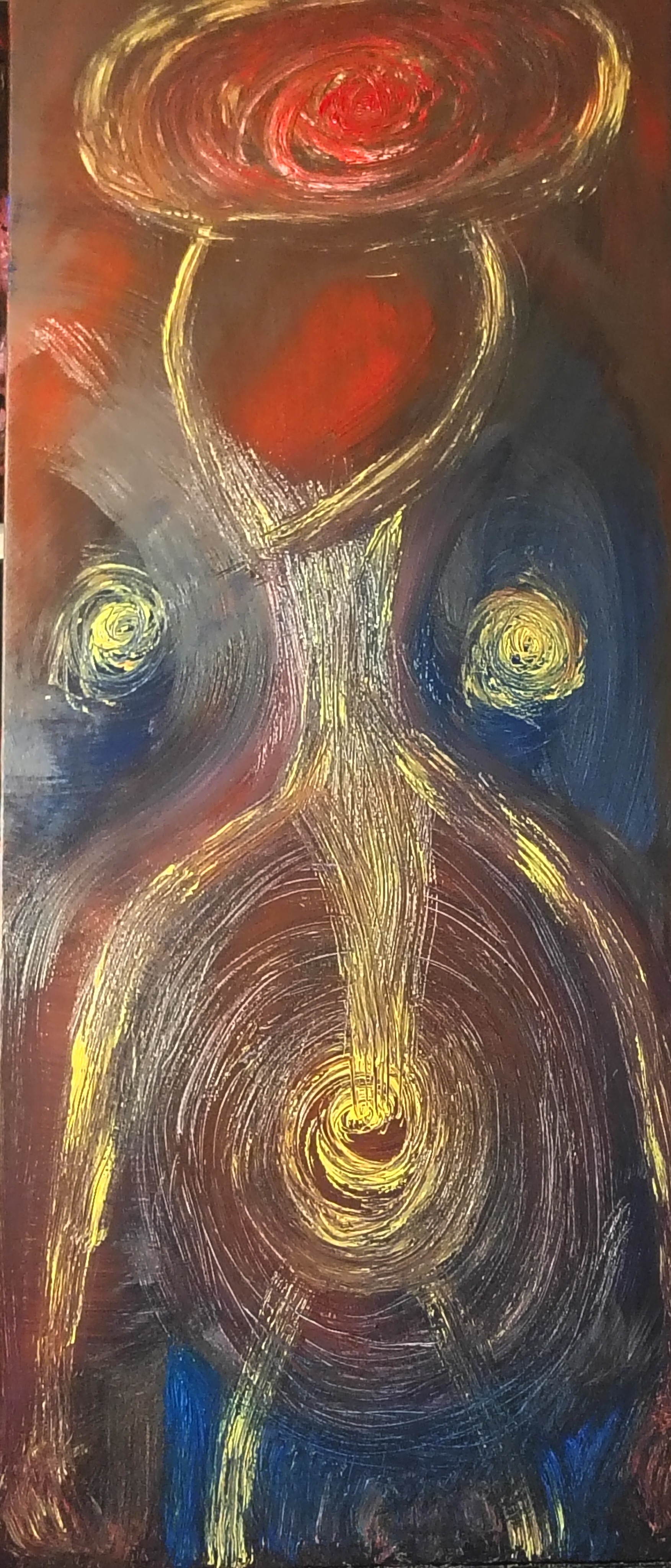
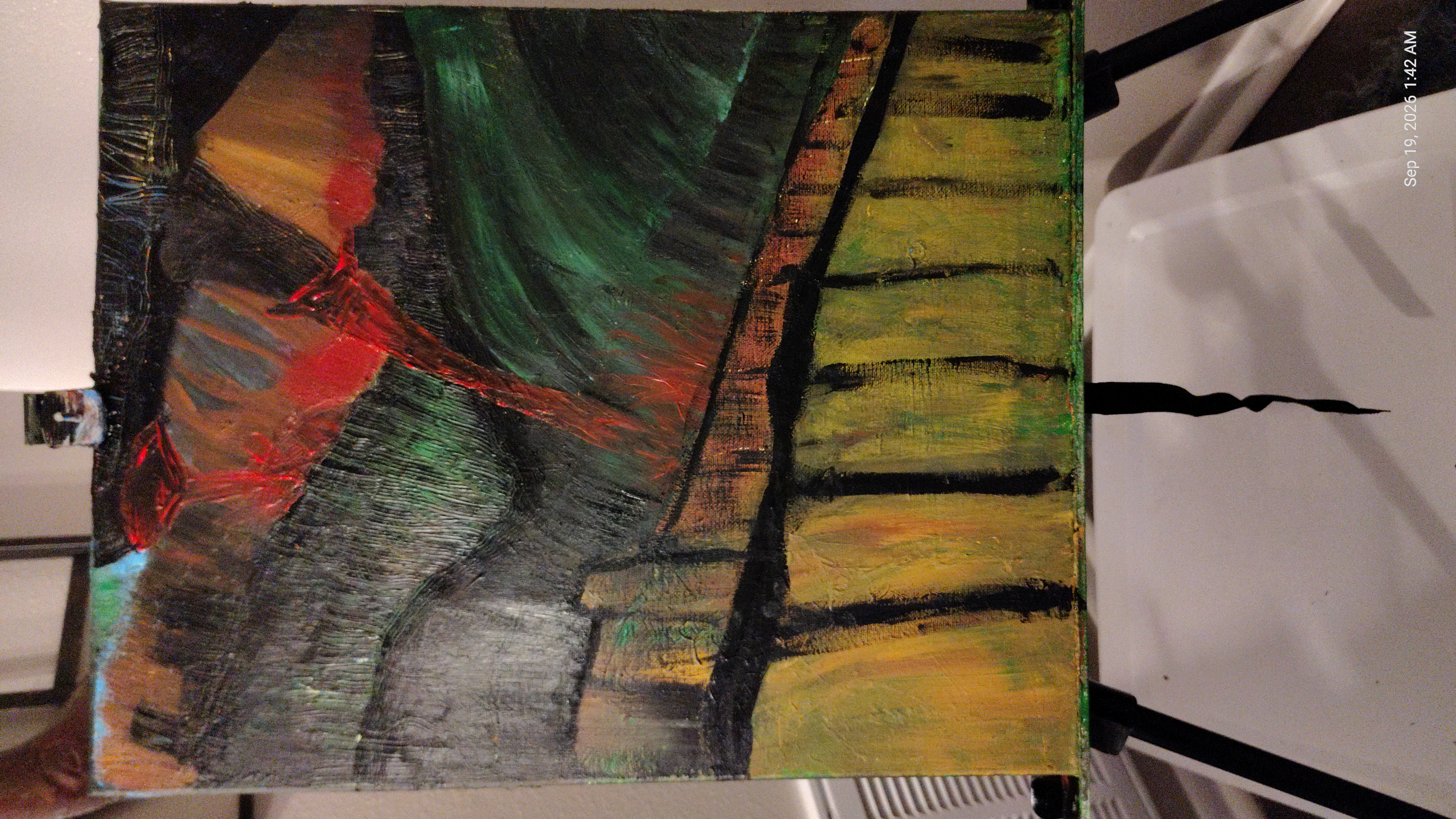
Present the work.
Set your print prices.
Publish on your terms.
Inside the artist studio
From image to storefront, at your pace.
Each artwork has editable details, a current image, print prices, and a publication switch.
- 01
Upload and describe the work
Add an artwork image, then edit its title and description for the storefront.
- 02
Refresh the image over time
Replace the current image whenever the work changes. Previous artwork images remain in its version history.
- 03
Set prices for print options
Choose available formats and set a USD price for each option. Canvas and Framed are choices in the studio; purchase availability depends on provider readiness and product mapping.
- 04
Publish or unpublish
Make an artwork visible to buyers when it is ready, then unpublish it whenever you want to take it out of view.
Buyers see only print options that the current fulfillment setup marks available. Format and destination coverage can vary.
Print choices
Canvas and Framed, when the route is ready.
Artists can set USD prices for Canvas and Framed options in the studio. A buyer can purchase an option only when a ready provider supports its product mapping and destination.
- CanvasSubject to fulfillment availability
- FramedSubject to fulfillment availability
After a buyer orders
Sell prints without printing or shipping each order yourself.
Eligible paid orders enter Superposition's existing production and fulfillment flow through a configured print provider. Live dispatch depends on provider connection and approval, plus a supported product mapping and destination. Not every format or destination is serviceable.
Buyer checkout currently uses Stripe's hosted checkout, with Card marked as configured.
The artist's part
Make the work. Keep the listing current.
Superposition handles the provider handoff for eligible orders when the required route and mappings are ready.
Your work, in its own place
Start with one artwork.
Create an artist storefront, then add and update your work from the artwork studio.
Open artwork studioSession status is loading.